No search. No Alt-Tab.
Turn your desk into a command center.
A lightweight lineup manager with near-zero PC impact. Add other players' lineups to your deck with one tap.
We'll send joining instructions on Discord after you apply.
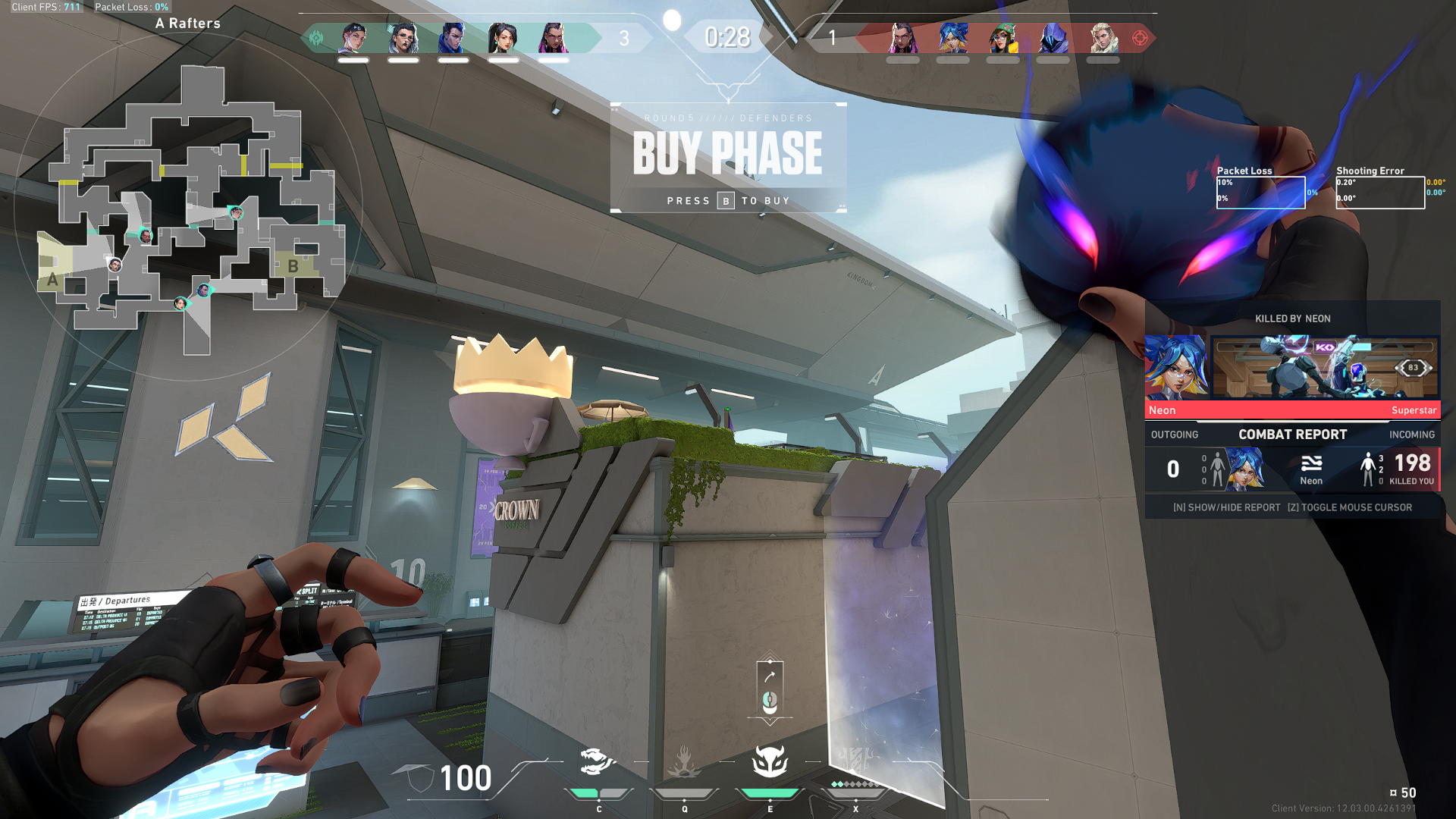
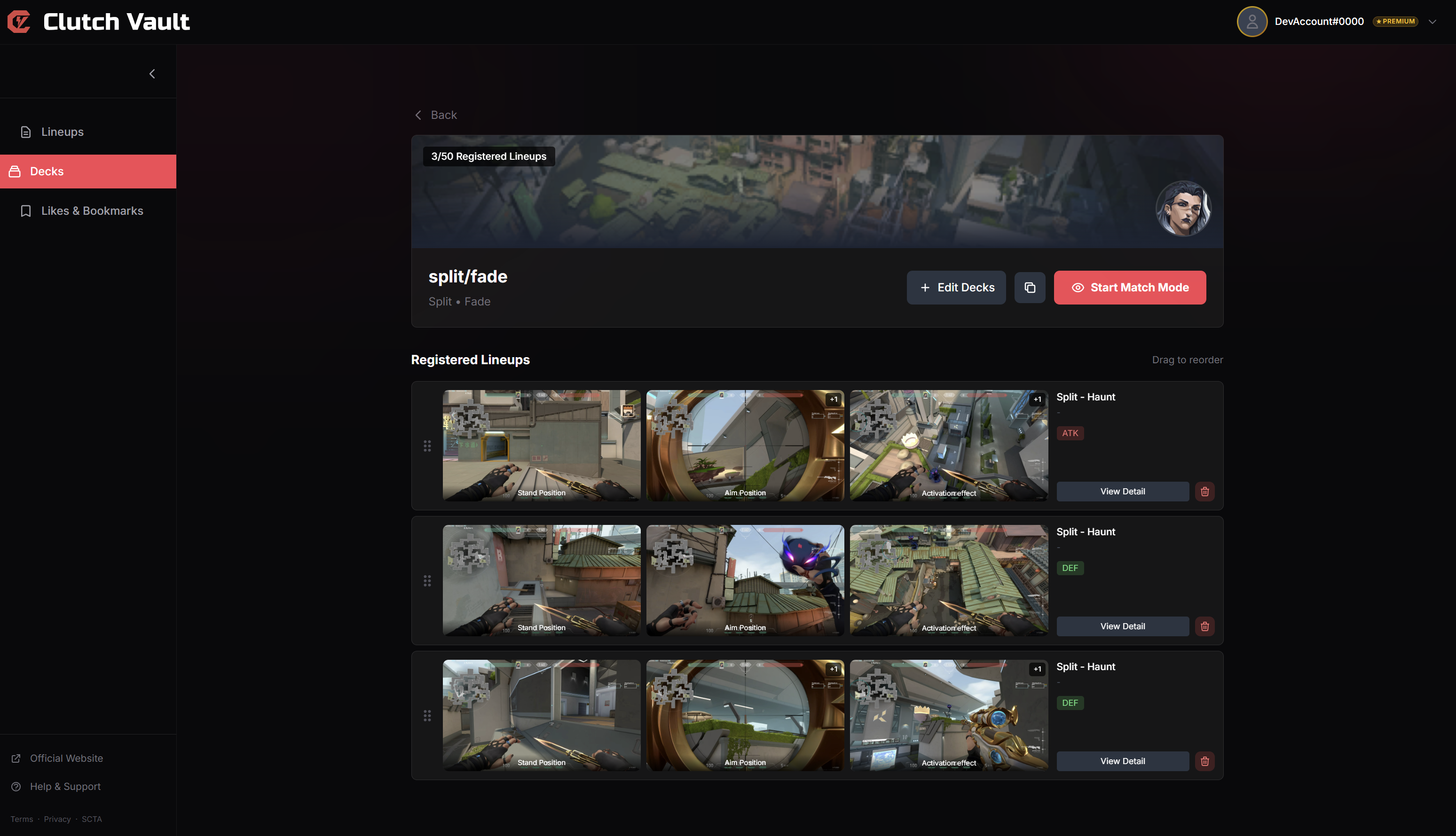
Sound familiar?
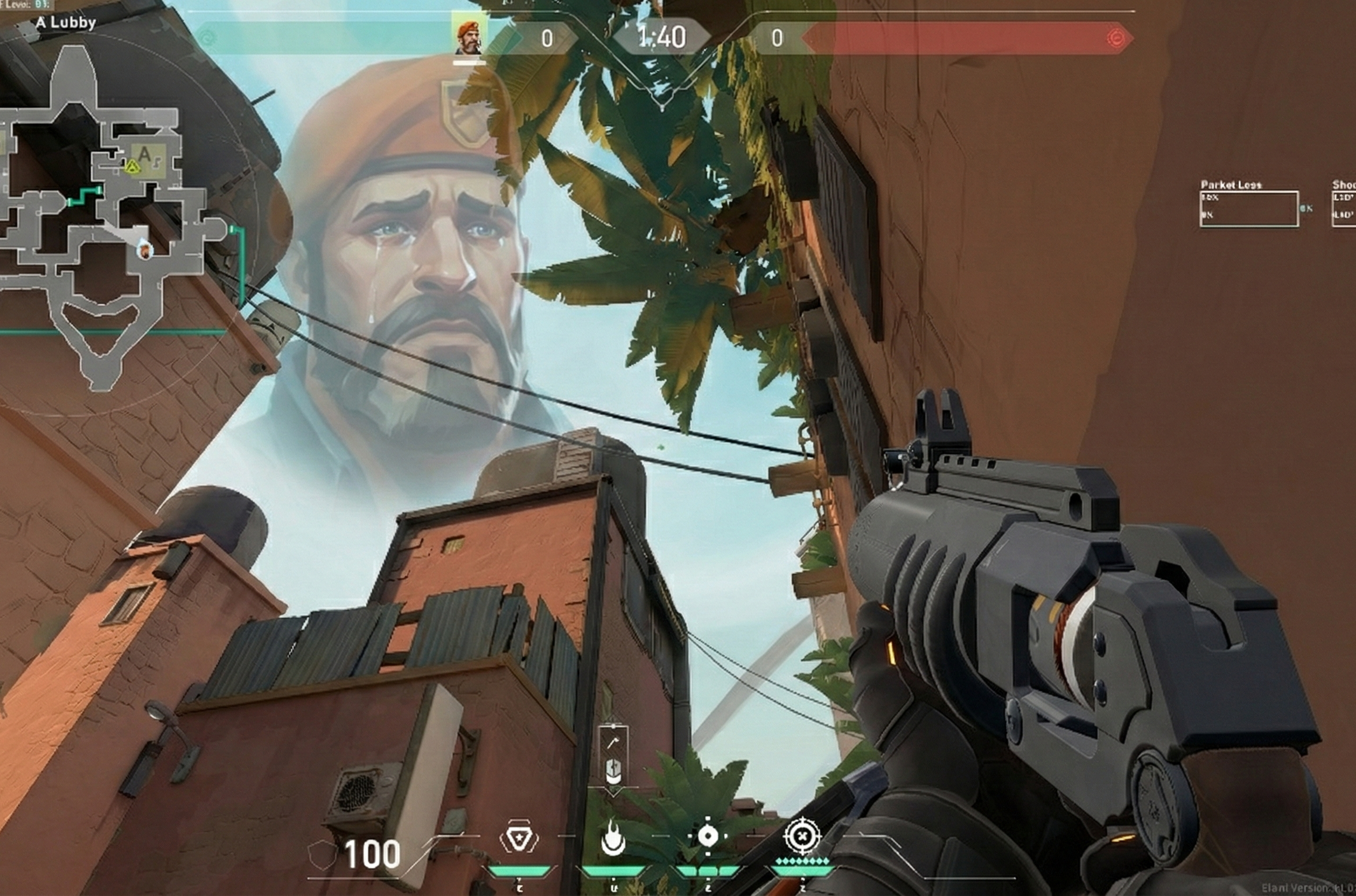
"Wait, where do I aim again?"
The match-winning molly to deny the defuse. And you completely blank on the exact lineup when it matters most.
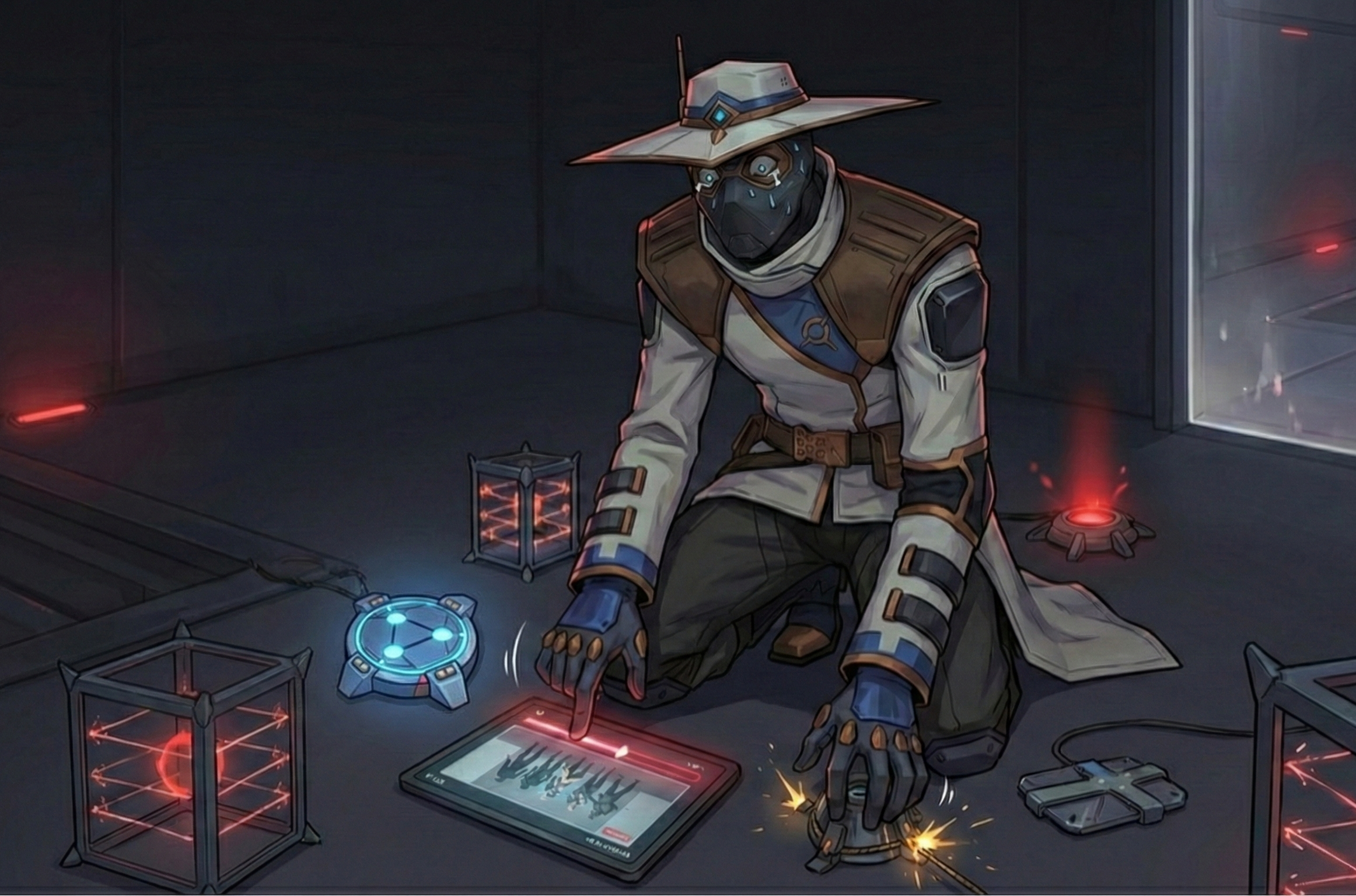
"No time to scrub through videos!"
Scrubbing through a 10-minute video mid-match is useless. You need the exact position, crosshair placement, and result at a single, instant glance.
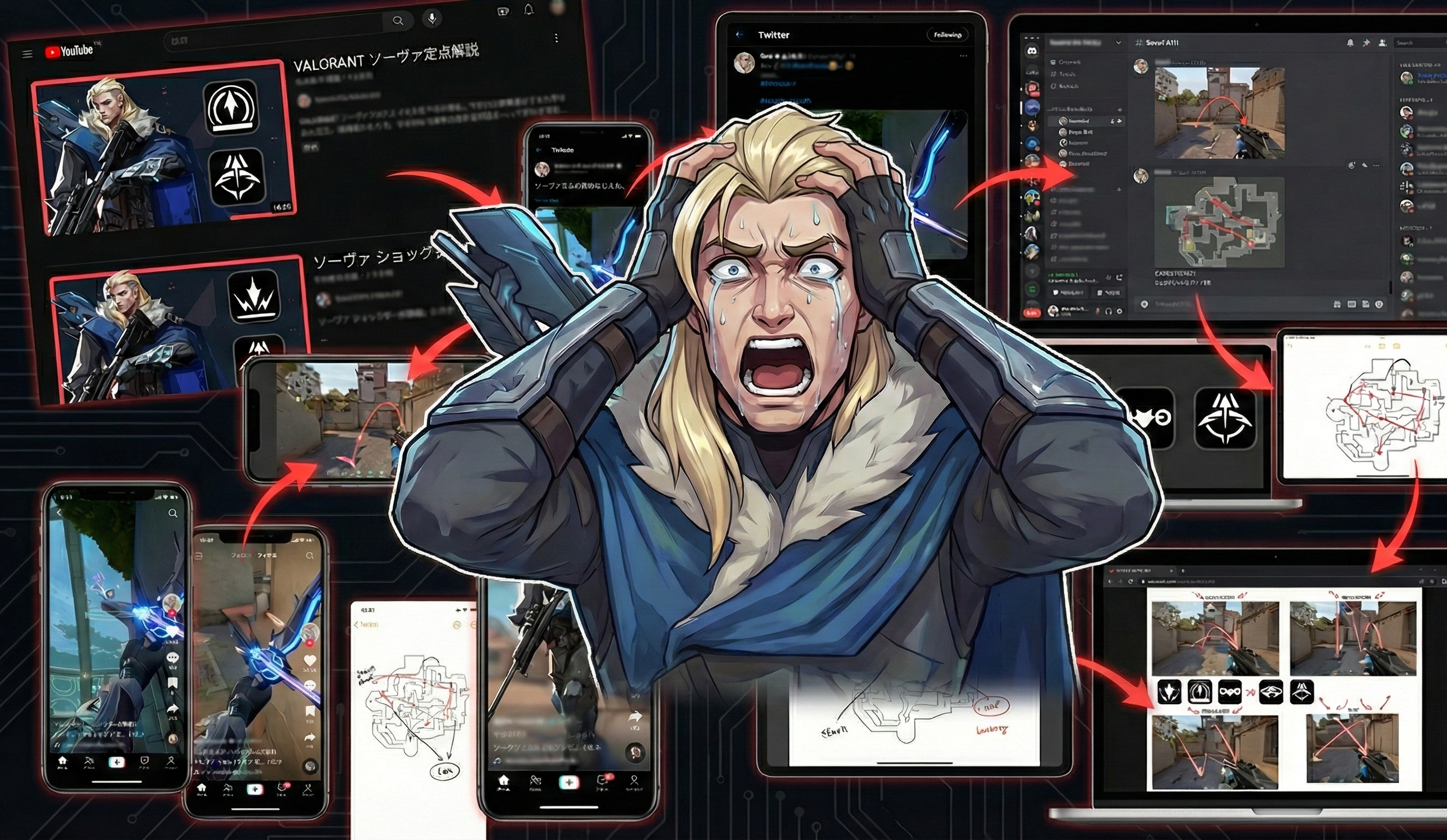
"Where did I save that screenshot?"
Twitter bookmarks, Discord channels, random folders. Your lineups are everywhere, making them impossible to find mid-match.
No more guessing lineups. Play with conviction.
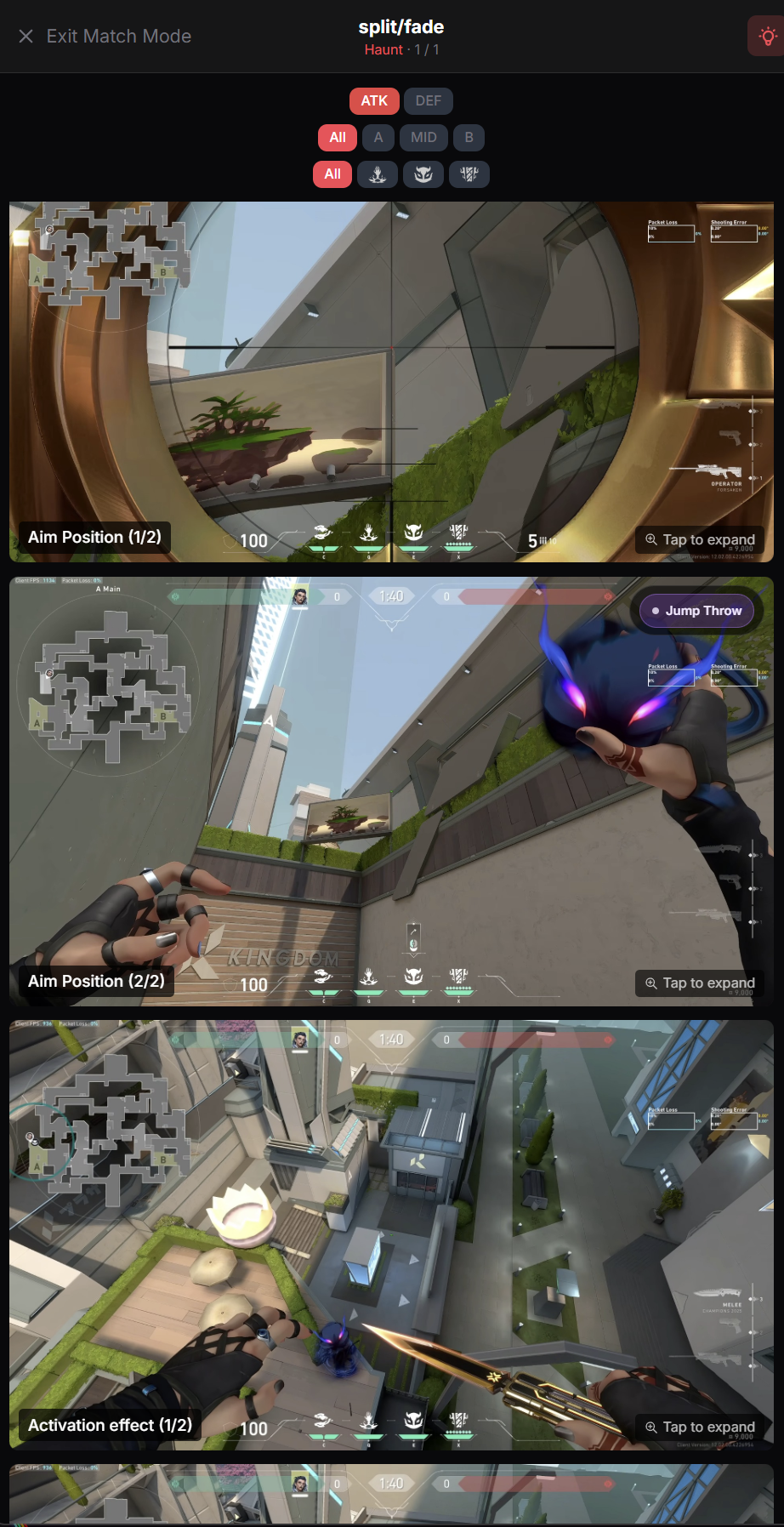
No more scrubbing. A format that clicks in an instant.
You don't have time to rewatch videos during a short buy phase. With Clutch Vault, grasp "where to stand," "where to aim," and "what happens" in 3 intuitive image steps. Minimize cognitive load and stay focused on the fight.
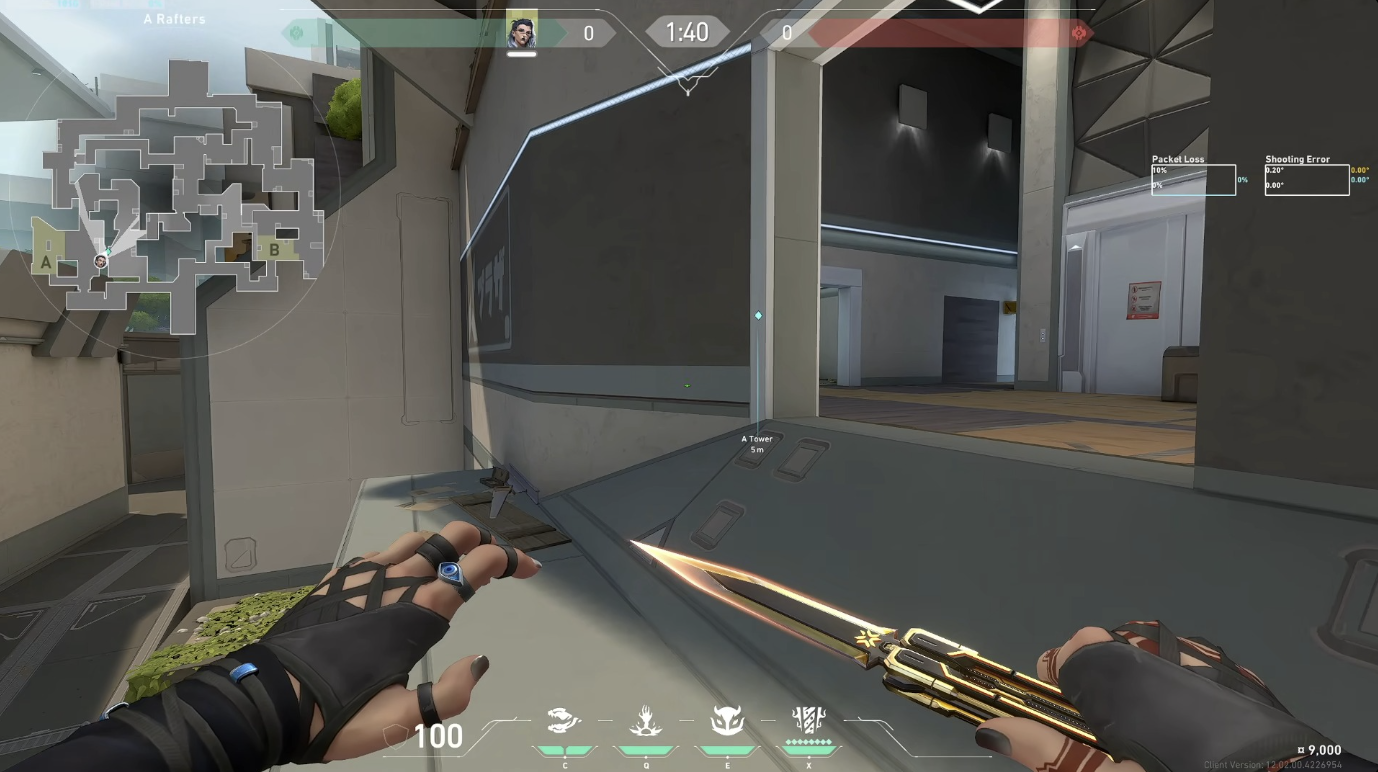
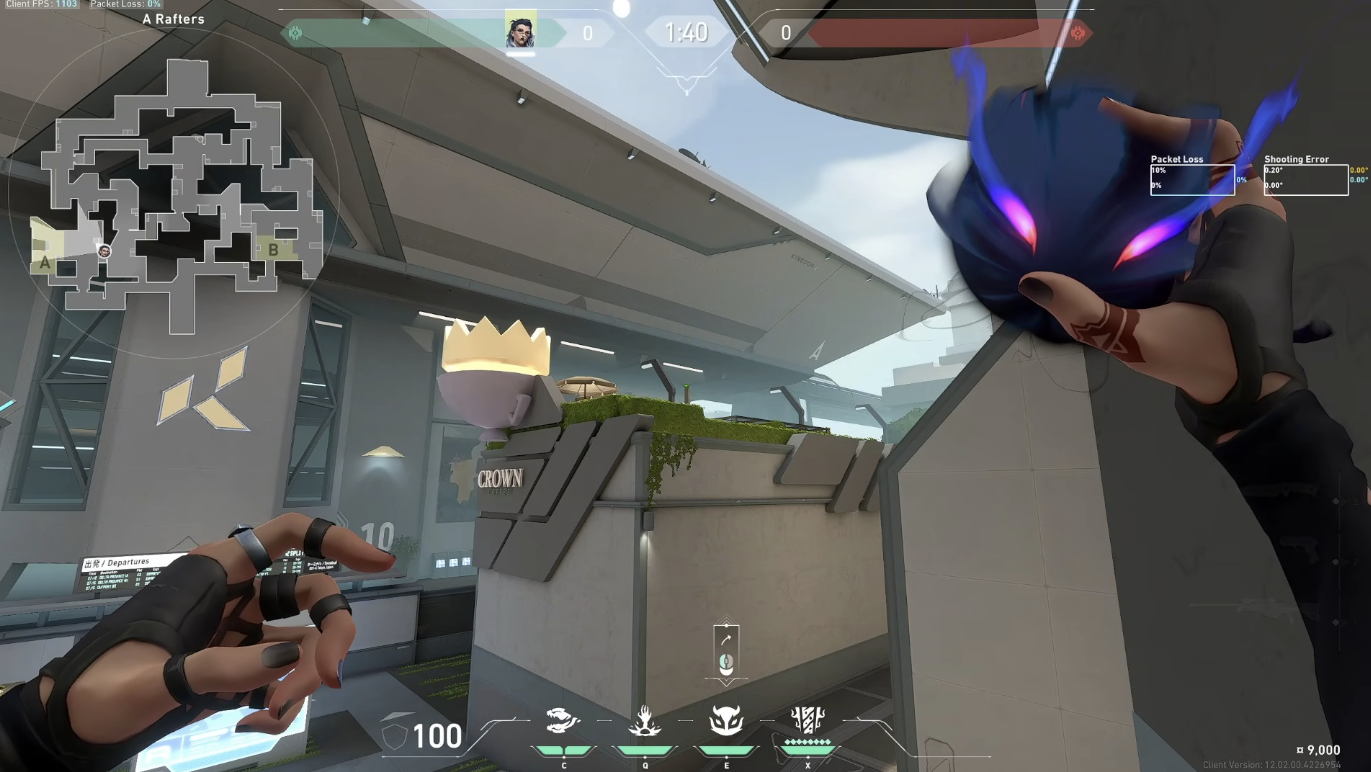
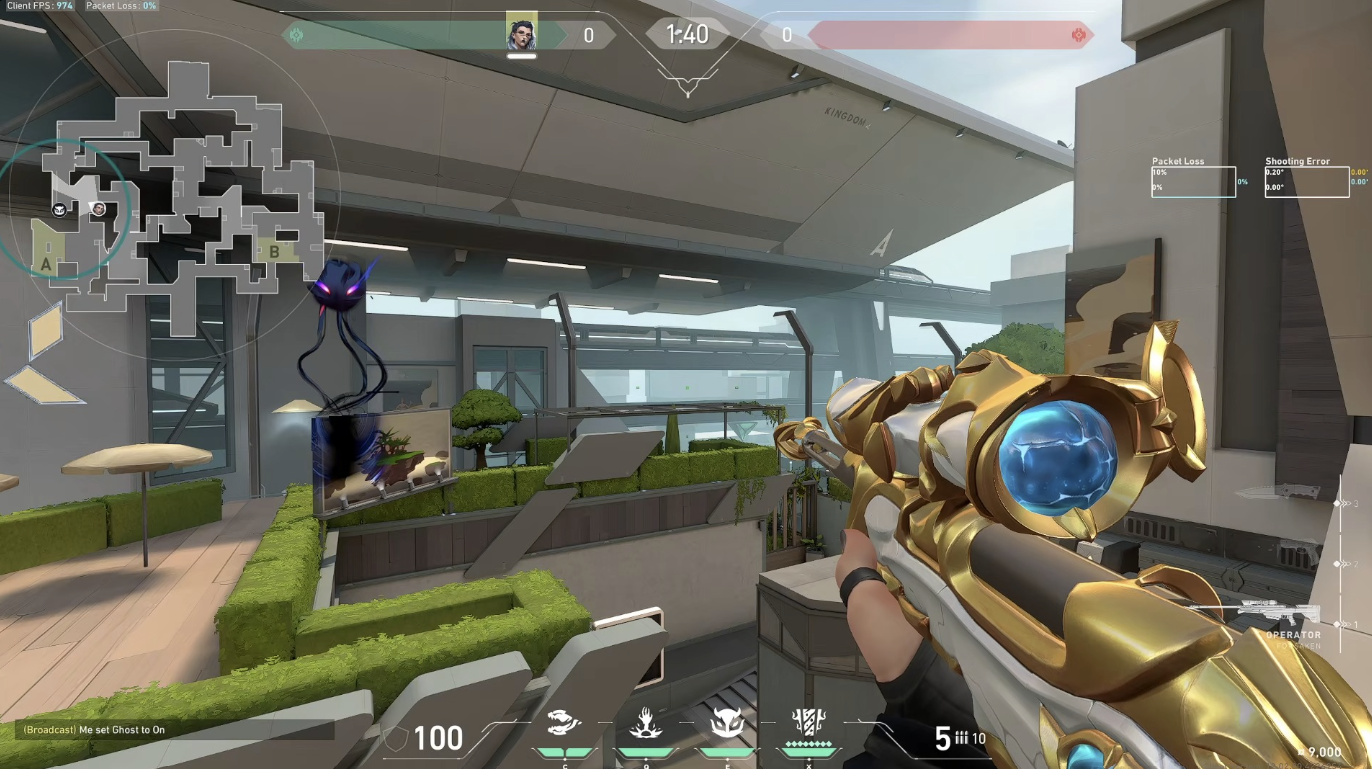
Top lineups at your fingertips. All info in one deck.
Stop digging through X (Twitter) likes and Discord channels. Save your own notes and bookmark popular community lineups to your deck with one tap. Consolidate scattered info into the ultimate in-game cheat sheet.
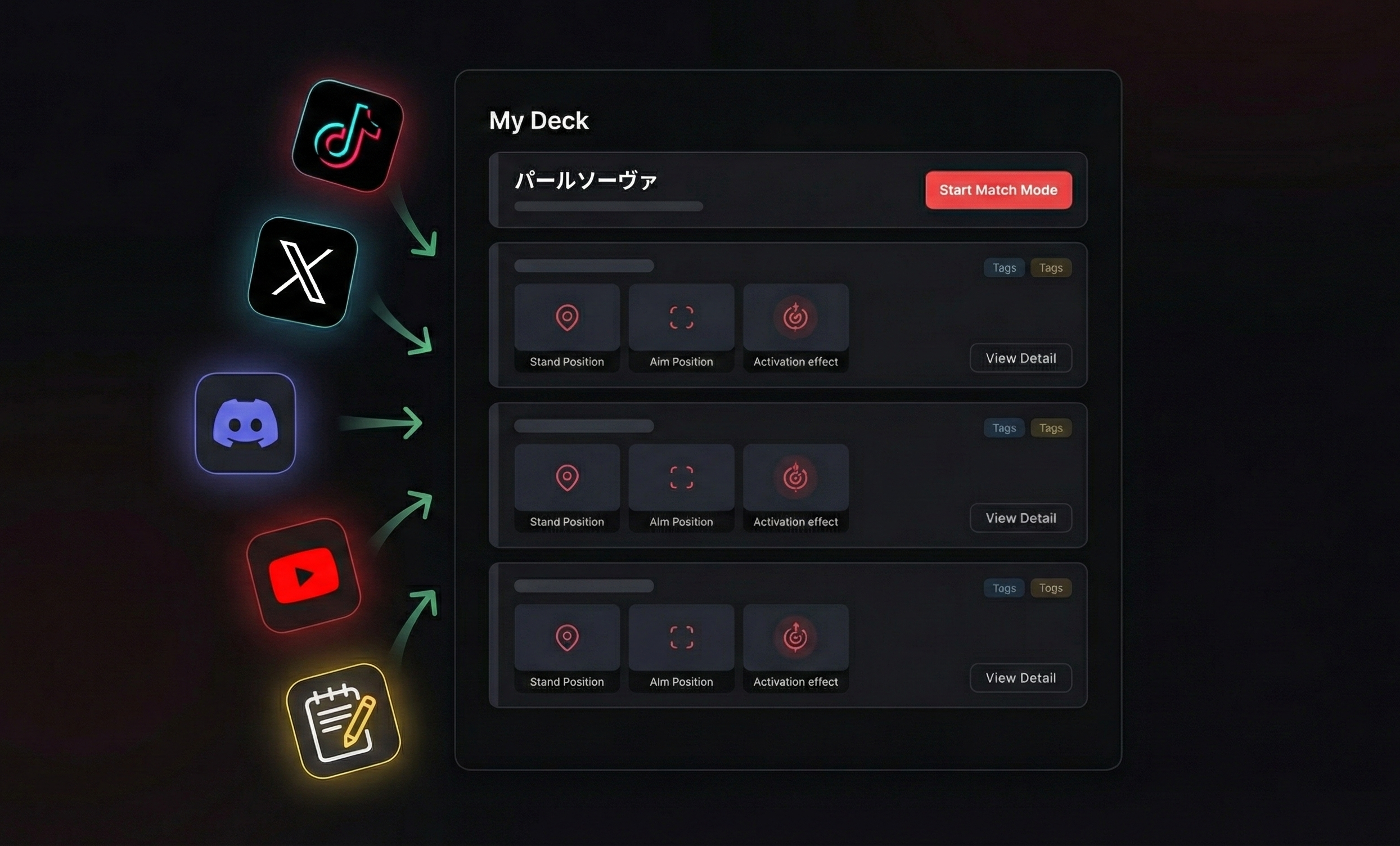
Eyes on the game. Zero PC load. Instant access.
No heavy overlay tools to tank your FPS. Your decks sync instantly to your phone or tablet. On PC, pair with Stream Deck to navigate with physical buttons\u2014no Alt+Tab needed. Never break your immersion.
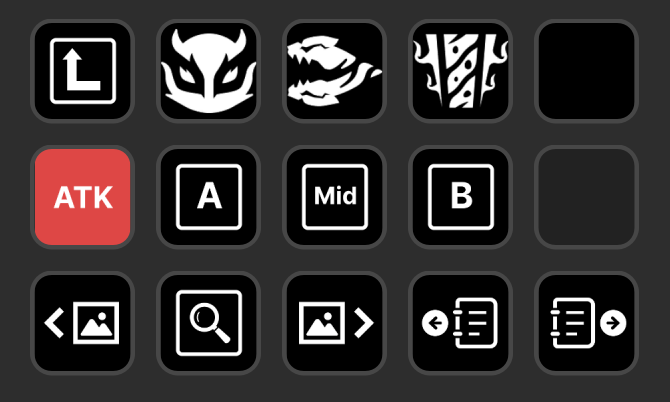
How you'll use it.
Collect & Organize
Upload your gameplay screenshots or bookmark popular community lineups to build your deck.
Prepare
While queuing, select your "Ascent - Killjoy" deck on your phone or sub-monitor.
Execute
Before the round starts, just glance at your lineup. PC users can flip pages instantly with Stream Deck.
Beta-Exclusive Offers
A much better deal than the post-launch subscription price.
Free
- Basic features
- Limited decks
- Ads included
* Apply through the form. Discord is for updates and community
Standard
This will be the price after launch
- All features
- Unlimited decks
- No ads
- Stream Deck integration
Beta Annual
Subscribe during beta and keep this price (~30% off) for all future renewals.
- All features
- Unlimited decks
- No ads
- Stream Deck integration
- Locked-in renewal price
This price is exclusive to beta subscribers.
* Apply through the form. Discord is for updates and community
Founder's Pack
Pay once and get lifetime access to all current and future pro features. No subscription needed — ever.
- 🏆 Lifetime Premium License
- All features + future updates
- Unlimited decks
- No ads
- Stream Deck integration
This plan disappears when the beta ends.
* Apply through the form. Discord is for updates and community
Closed Beta Testers Wanted
Try saving and organizing lineups early. The form is how you apply. Discord is for updates and conversation.
We'll send joining instructions on Discord after you apply.